Purpose: Force all block elements to use the ByBlock color
This tool standardizes the internal color of blocks. It opens the DWG, goes through each block,
detects entities with a fixed color (red, yellow, etc.), then replaces that color with ByBlock.
Result: blocks correctly inherit their color when inserted, without leftover forced colors.
Opening the DWG
The software opens the selected DWG for processing.

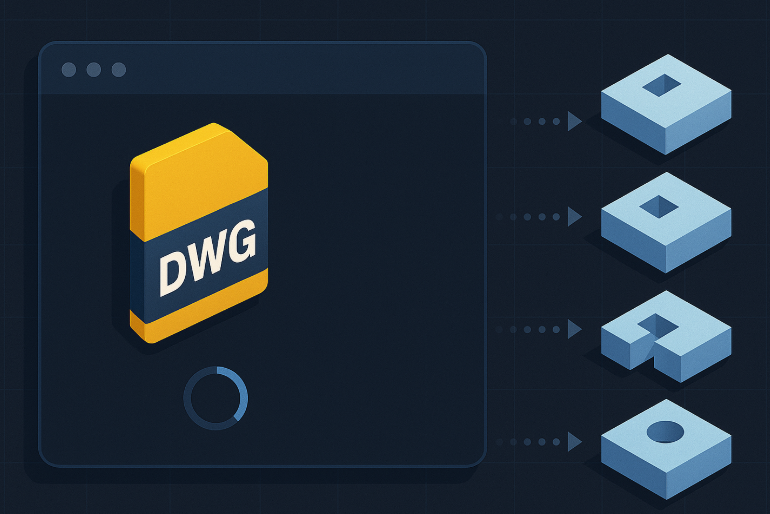
Loading the DWG to clean. Analyzing each block
The software opens each block in the drawing to inspect its internal content
(lines, polylines, text, etc.).Block-by-block inspection, fully automatic. Detecting fixed colors
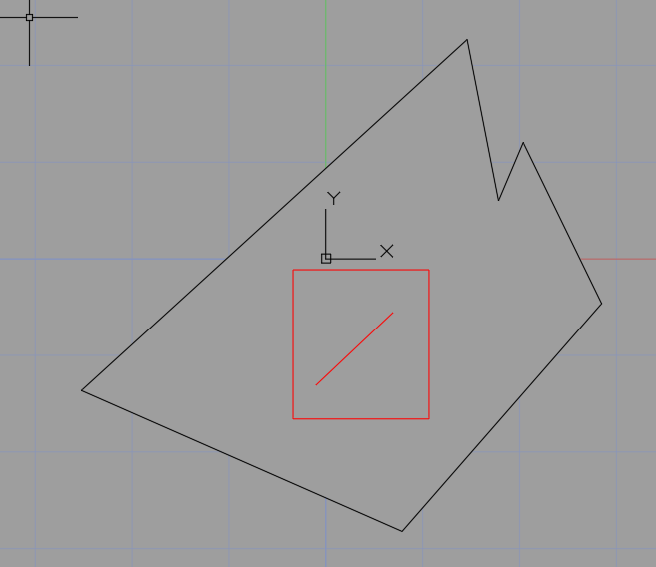
The tool identifies all elements whose color is not ByBlock
(for example, a color manually assigned directly inside the block).Detection of elements that do not follow the block’s color. Applying the “ByBlock” color
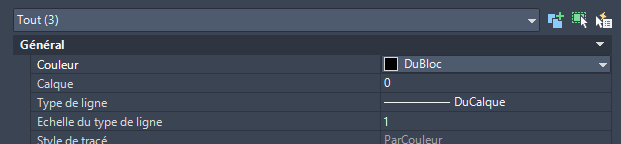
All such entities are automatically switched to ByBlock.
Thus, when the block is inserted in a drawing, its color can follow the current layer or drawing settings.Standardization: no more fixed colors inside blocks. Saving the DWG
Once all blocks are updated, the DWG is saved with normalized colors.
The tool can then proceed to the next DWG and repeat the process.