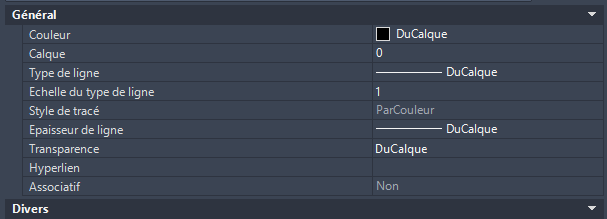
Purpose: Update dimensions to allow changing their color (ByBlock)
This tool makes dimensions fully recolorable without altering their style.
It switches the graphical components of each dimension to ByBlock so that the color
can later be controlled (via object properties or through blocks), without modifying the dimension style
or any technical settings.
Opening the DWG
The software opens the DWG to be processed.

Loading the drawing before updating dimensions. Scanning all dimensions
The tool scans every dimension:
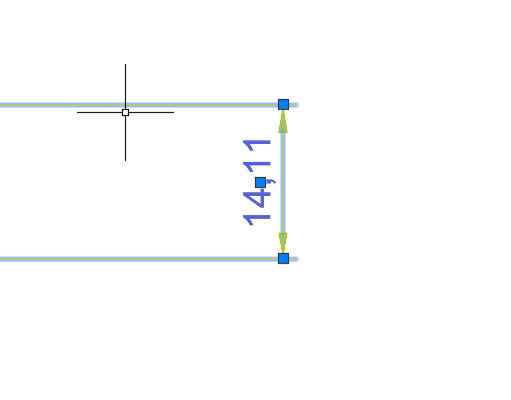
in Model Space, in Layouts, and inside blocks.Global scan: model space, layouts, block content. Forcing color to “ByBlock”
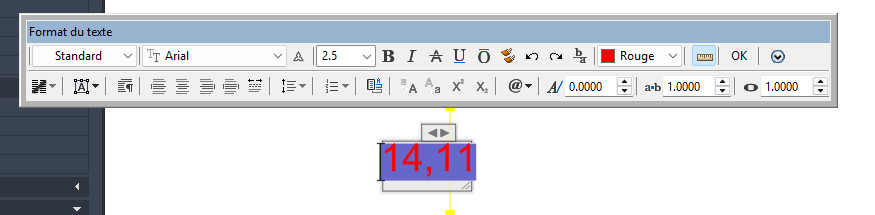
For each dimension, the software forces the graphical elements
(dimension lines, extension lines, arrows, dimension text)
to ByBlock.All visual elements of the dimension are switched to ByBlock. No dimension style changes
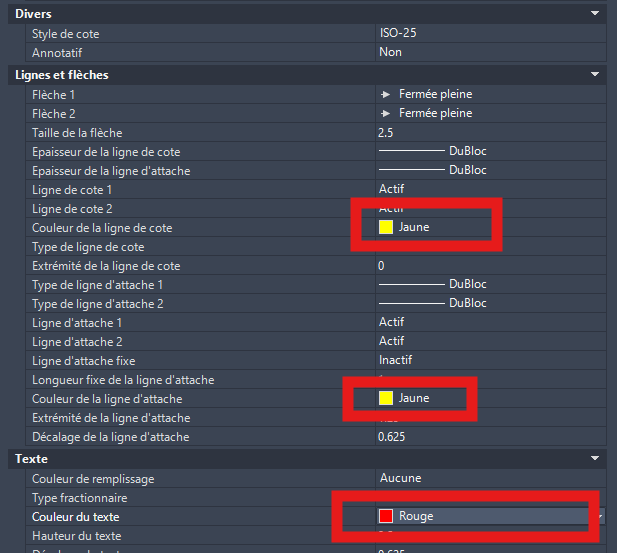
Dimension styles (DIMSTYLE) are not modified.
Only color overrides at the entity level are reset to ByBlock.
Your style standards remain intact.The DIMSTYLE remains untouched: only the direct color override is corrected. No other modifications
The tool does NOT modify: layer, linetype, lineweight, dimension values,
annotative scale, tolerances, etc.
Only the color is adjusted.Everything else (layer, value, scale…) stays unchanged. Result
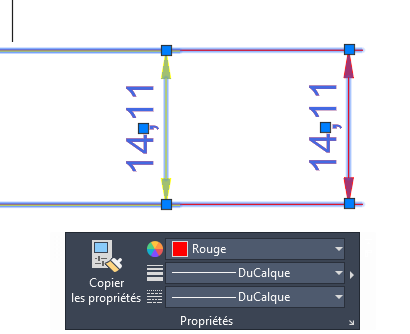
After processing, dimension color can be controlled:
– by inheritance (ByBlock),
– or simply by adjusting the object’s Color property.
Result: clean and controllable dimension color, without redrawing anything.Dimensions become easily recolorable. Saving the DWG
The modified DWG is saved with dimensions normalized to ByBlock.
The tool can then proceed to the next DWG.Drawing saved with clean and uniform dimensions.