
AutoCAD CLEANUP inside blocks – remove internal CLEANUP and MASK elements
This tool removes all CLEANUP and MASK elements located inside AutoCAD block definitions.
It opens the DWG, inspects each block one by one, deletes only the CLEANUP-marked objects,
and finally saves the cleaned drawing.
As a result, you keep the useful geometry intact while removing temporary construction
elements that should not appear in the final version of the drawing.
This improves readability and makes your blocks cleaner and easier to reuse across projects.
How the CLEANUP removal works
1. Opening the DWG
The software first loads the DWG that needs to be cleaned.
This step ensures the CLEANUP analysis starts from the active file.
Loading the source file. 2. Accessing each block definition
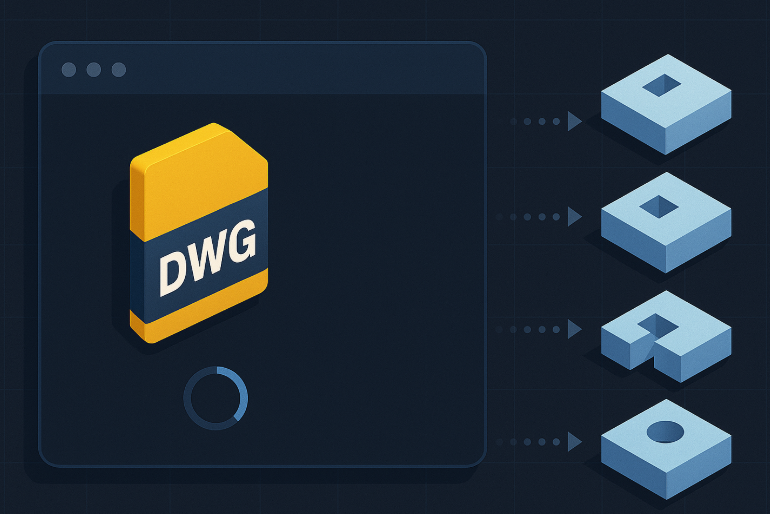
The tool opens every block definition one by one. This allows a complete internal scan,
instead of checking only block insertions in Model Space.
Consequently, all hidden CLEANUP elements can be identified.Internal inspection of each block in the drawing. 3. Detecting CLEANUP elements
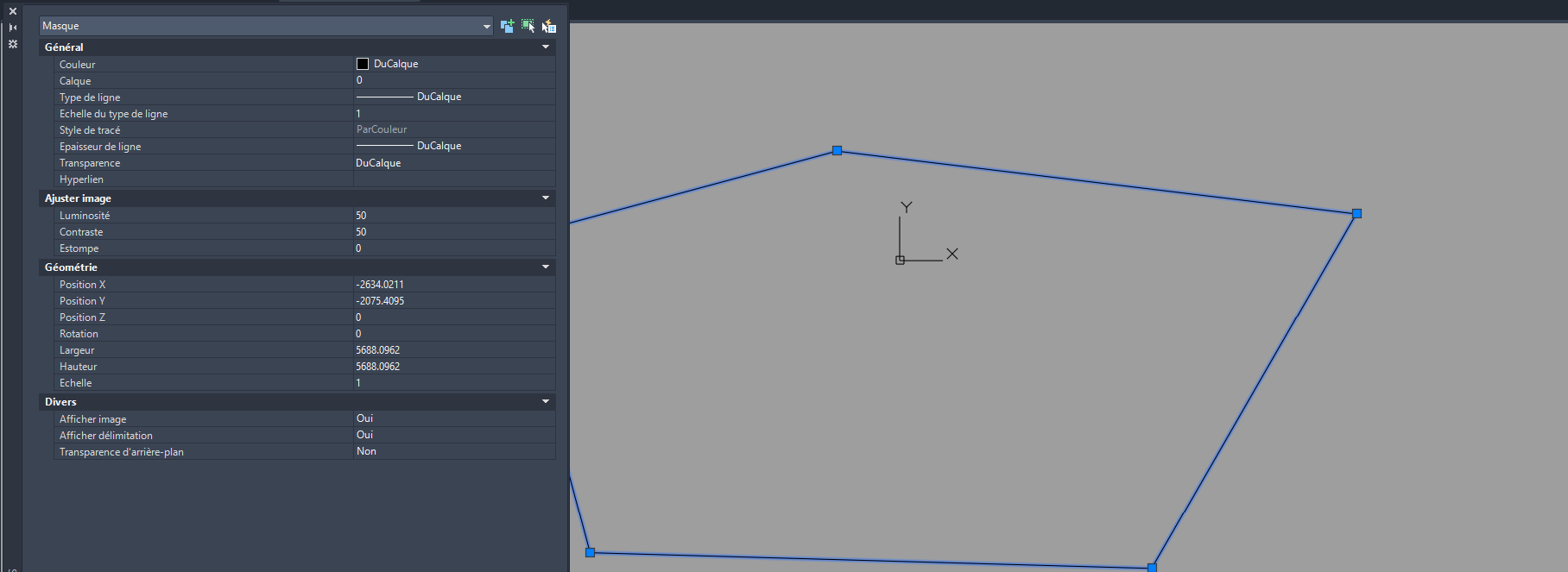
Inside each block, the software searches for any entity labelled or named
CLEANUP or MASK.
These objects are usually temporary, used during drafting
(construction lines, masks, guides, helpers, etc.).Locating CLEANUP elements inside each block. 4. Targeted removal of CLEANUP elements
All detected CLEANUP elements are removed inside the block definition.
Only these technical elements are deleted, while the rest of the block remains untouched.Only CLEANUP items are deleted. 5. Preserving useful block content
Geometry, attributes, colors and block properties are preserved.
Nothing else changes in your drawing, ensuring a safe cleanup without modifying
your technical work.The block remains identical, but without the CLEANUP markers. 6. Saving the cleaned DWG
After every block has been processed, the DWG is saved.
You obtain a clean, optimized file with blocks ready for reuse or delivery.Final cleaned drawing, ready for use.

Why use AutoCAD CLEANUP inside blocks?
Removing CLEANUP elements improves block consistency, reduces file size,
and ensures clean deliverables when sending drawings to clients or subcontractors.
It also avoids unwanted background shapes or masks appearing in the printed PDF.