
AutoCAD delete SOLID in blocks – remove SOLID fills from block definitions
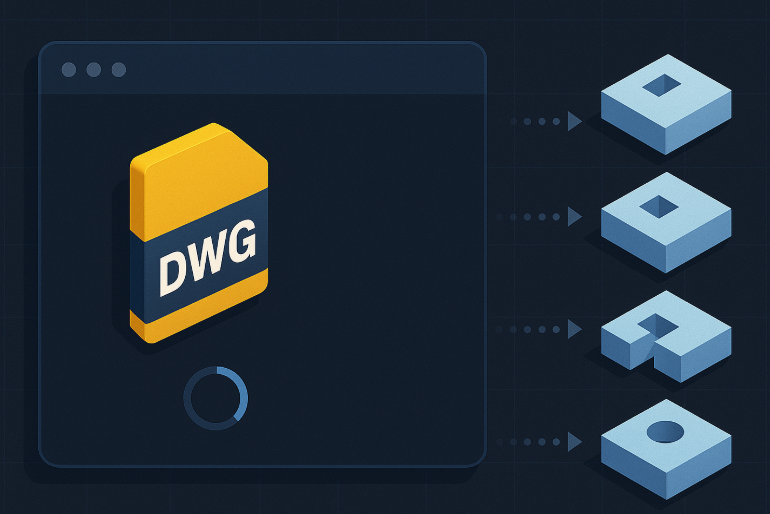
This module performs an AutoCAD delete SOLID in blocks cleanup on your drawing.
It opens the DWG, scans all block definitions, detects SOLID-type entities
inside those blocks, deletes them, and then saves the file. The goal is to remove unwanted
filled areas or solid fills that are embedded inside blocks.
This is useful when SOLID entities cause printing issues, hide geometry or make the DWG heavier.
You can combine this cleanup with other tools from our
AutoCAD plugins collection
.
For general technical details about SOLID entities and display, you can also consult the
official Autodesk documentation
.
How the AutoCAD delete SOLID in blocks tool works
Opening the DWG
First, the software opens the selected DWG file for processing.
This drawing becomes the active file for the block cleanup.
Loading the DWG before internal block analysis. Opening the blocks
Then, the software scans the DWG and opens each block definition.
The goal is to inspect internal block content, not only the global Model Space.Block-by-block automatic analysis. Detecting SOLIDs inside blocks
Inside each opened block, the tool searches for SOLID-type entities.
These are solid fill areas embedded directly in the block definition.Locating SOLIDs inside block definitions. Automatic removal of SOLIDs from blocks
All SOLID elements found inside the blocks are automatically removed.
As a result, the blocks become cleaner and no longer contain unwanted opaque fill areas.Internal block cleanup without manual work. Saving the DWG
Finally, when all blocks have been cleaned, the DWG is saved with the modifications.
The tool can then move on to the next DWG and repeat the same process.The final DWG is clean and saved.




Why run AutoCAD delete SOLID in blocks?
Using an AutoCAD delete SOLID in blocks routine helps you avoid unwanted fills that
hide geometry, generate plotting artifacts or make the file heavier. It produces cleaner blocks,
clearer drawings and more predictable printing results.