
AutoCAD explode all blocks – convert blocks and attributes to geometry
This tool performs an AutoCAD explode all blocks operation on your drawing.
It scans Model Space, explodes all detected blocks and converts attribute values into standard text
so that no information is lost. After running the tool, the drawing contains only regular geometry
and readable text.
This workflow is useful when you need a fully “block-free” DWG for archiving, exchange with
external partners or import into other software that does not handle blocks properly.
You can combine this module with other cleanup tools available in our
AutoCAD plugins collection
.
For more information about blocks and attributes, see the
official Autodesk documentation
.
How to explode all blocks and keep attribute information
Opening the DWG
First, the software opens the DWG to be processed.
The file becomes the active source for the block explosion.
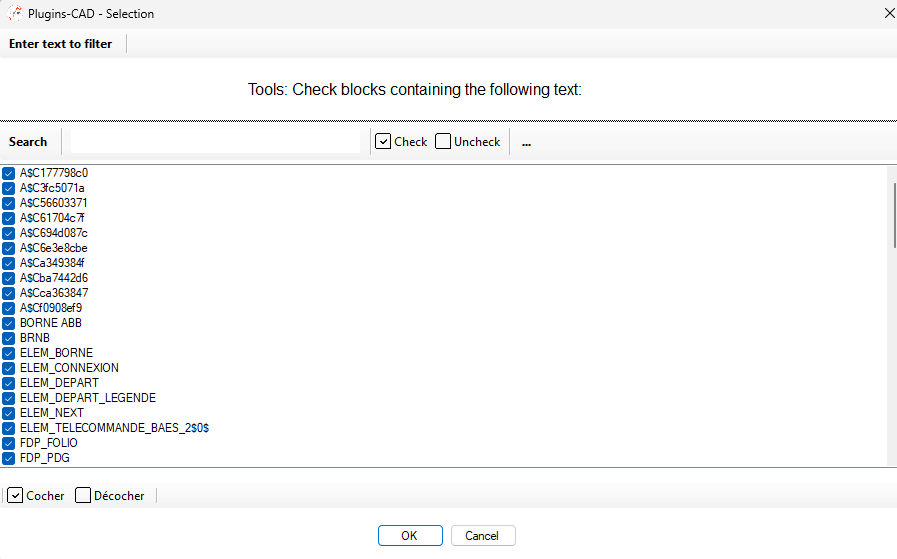
Loading the source file. Detection of blocks
Next, the tool scans Model Space to find all block insertions.
It prepares the list of items that will be exploded during the process.Automatic identification of each inserted block. Exploding the blocks
Then, each detected block is exploded into basic entities (lines, arcs, hatches, text, etc.).
After this step, no blocks remain: everything becomes standard geometry that any CAD tool can read.Each block is replaced by raw geometry. Converting attributes to text
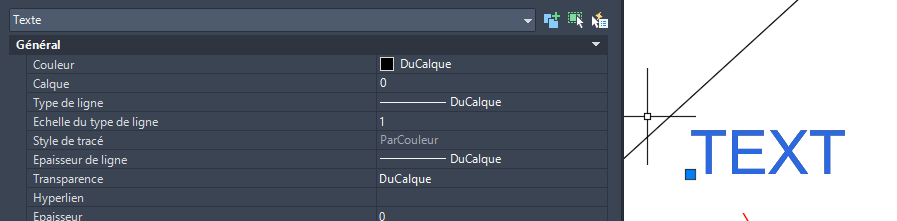
Attribute values contained inside blocks are converted to simple text entities in the drawing.
This ensures that technical data such as numbers, labels and references remain visible and readable
even after the blocks are removed.Attribute information remains visible as standard text. Saving the DWG
Finally, the modified DWG is saved.
You now have a plan with no blocks, only geometry and text, ready for export or long-term archiving.Final file saved after complete conversion.

When to use AutoCAD explode all blocks
Running an AutoCAD explode all blocks operation is helpful when sharing drawings with
external tools, simplifying complex files or freezing project data at a given stage. It removes
block intelligence but preserves geometry and text, which makes the DWG easier to read and reuse
in many different environments.