Purpose: Move all block elements to layer 0
This tool cleans up the internal structure of your blocks. It opens the DWG, enters each block definition, and forces all internal entities to be on layer 0.
Result: your blocks comply with proper CAD standards (block drawn on layer 0, appearance controlled later by the layer on which the block is inserted).
Opening the DWG
The software opens the selected DWG for processing.

Loading the DWG to be corrected. Opening each block
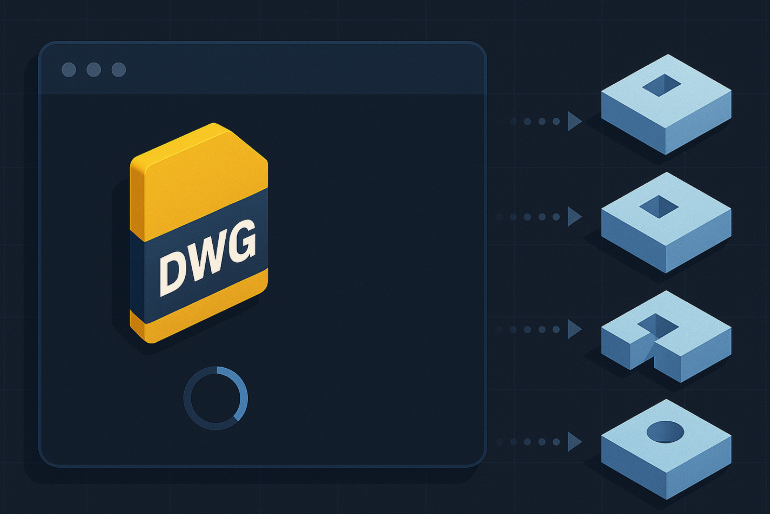
The software automatically iterates through all blocks in the drawing and opens each one to modify its internal content.
Internal inspection block by block. Moving internal entities to layer 0
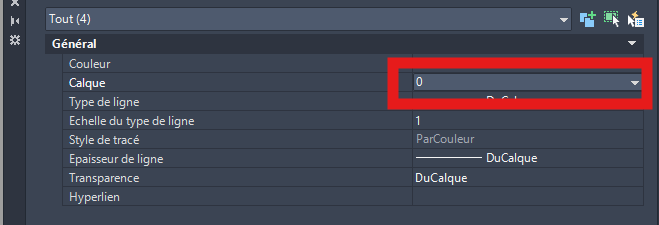
All entities contained inside the block (lines, text, geometry, etc.) are moved to layer 0.
Goal: obtain clean blocks compatible with standard insertion workflows.All elements of the block are assigned to layer “0”. Saving the DWG
After all blocks have been corrected, the DWG is saved with the updated layer assignments.
The tool can then move to the next DWG and repeat the operation.DWG saved with standardized blocks.