Purpose: Speed up the DWG by converting or removing 3D elements to produce a 2D plan
This tool aims to produce a lightweight, usable 2D version from a DWG containing 3D elements.
It opens the file, attempts to convert 3D objects into 2D geometry,
removes unnecessary objects, purges the drawing, and then saves a new file.
⚠ Warning: this process may explode objects, remove 3D, and delete non-visible elements.
A final visual check is mandatory.
Important Warning
This process deletes non-visible elements, explodes some objects, and removes 3D geometry
(to flatten the drawing into 2D).At the end, you MUST visually check the generated file and compare it
with the original drawing.
Destructive process: always validate the final plan. Opening the DWG
The software opens the DWG to be converted/optimized.
Loading the source file. 3D to 2D Conversion
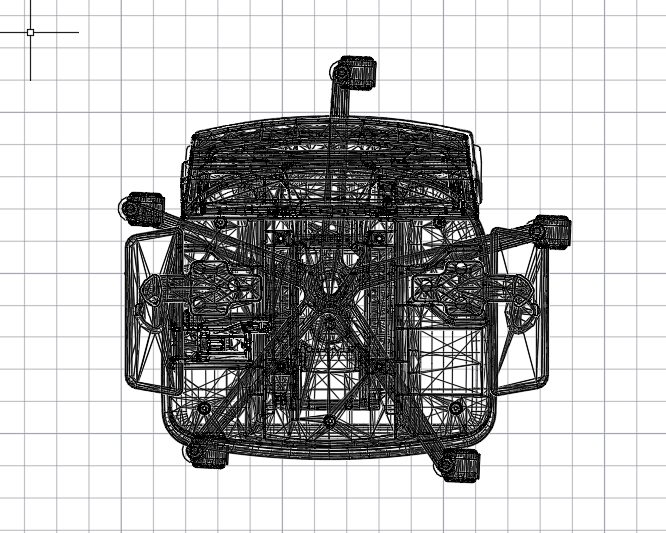
3D objects are converted into 2D entities when possible.
Unnecessary or excessively heavy 3D elements are deleted.
The goal is to obtain a standard 2D DWG (lighter, faster to display and edit).Reducing 3D content to keep only essential 2D geometry. File Purge
The DWG is purged: unused blocks, styles, layers, and definitions are removed.
This reduces file size and improves display performance.Deep cleanup to lighten the final DWG. Saving to a New DWG
The optimized result is saved under a NEW file name,
so the original is preserved.The clean 2D output is saved separately for safety. Final Check
The generated DWG is reopened automatically.
You must compare it with the original to ensure that no essential geometry, symbols,
or annotations were lost.Mandatory visual validation before sending to the client.