Purpose: Reduce the number of redundant blocks in the DWG
This tool is used to optimize and lighten the DWG. It detects duplicate blocks (same geometry, same attributes), replaces them with a single unique definition, then deletes the redundant ones. Visually, the drawing remains unchanged, but unnecessary block definitions are removed. This is ideal for standardizing client drawings or preparing a clean project file.
Opening the DWG
The software opens the DWG file that you want to optimize.

Loading the drawing to be analyzed. Block analysis and duplicate detection
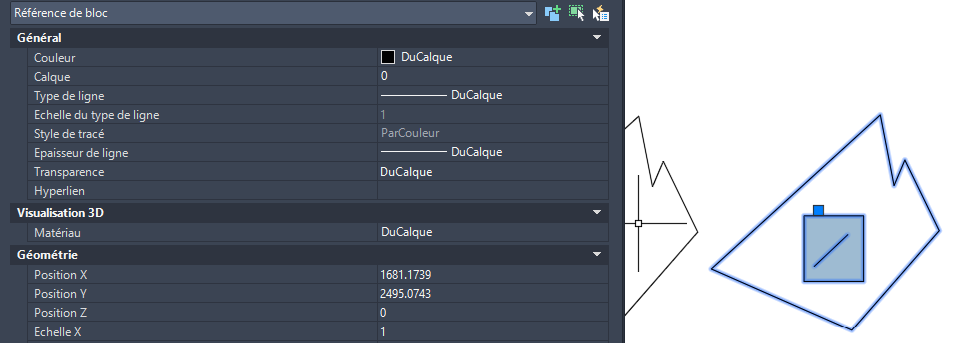
The tool analyzes block definitions in the DWG and searches for duplicates:
blocks with different names but identical geometry and attributes.Identifying equivalent blocks that only clutter the file. Replacing block insertions
For each duplicate detected, the software replaces all insertions of the duplicated block with the reference block that is kept.
The goal: have ONLY ONE block definition for the same visual appearance.Automatic standardization of all insertions. Removing unnecessary definitions
The redundant block definitions are then removed from the drawing.
Visually, nothing changes: the appearance of the plan remains the same,
you simply have fewer useless block definitions.Lighter, cleaner, more consistent DWG. Saving under a new name
The optimized DWG is saved under a new name to avoid overwriting the original.
You can then review the result before final approval.The cleaned plan is saved separately for validation.