Purpose: Full tagging
It opens each DWG, applies updates (indices, sheet numbers, summary, date, layouts, etc.), saves, then proceeds to the next file.
Goal: prepare a clean, consistent package for client delivery or as-built documentation.
Sequential DWG processing
The software opens each DWG in the list one by one and automatically applies all the steps below.

The software processes the DWGs without manual intervention. Update latest index on sheet
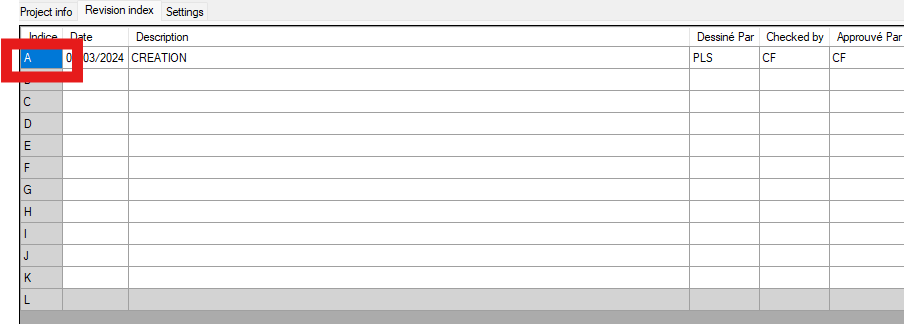
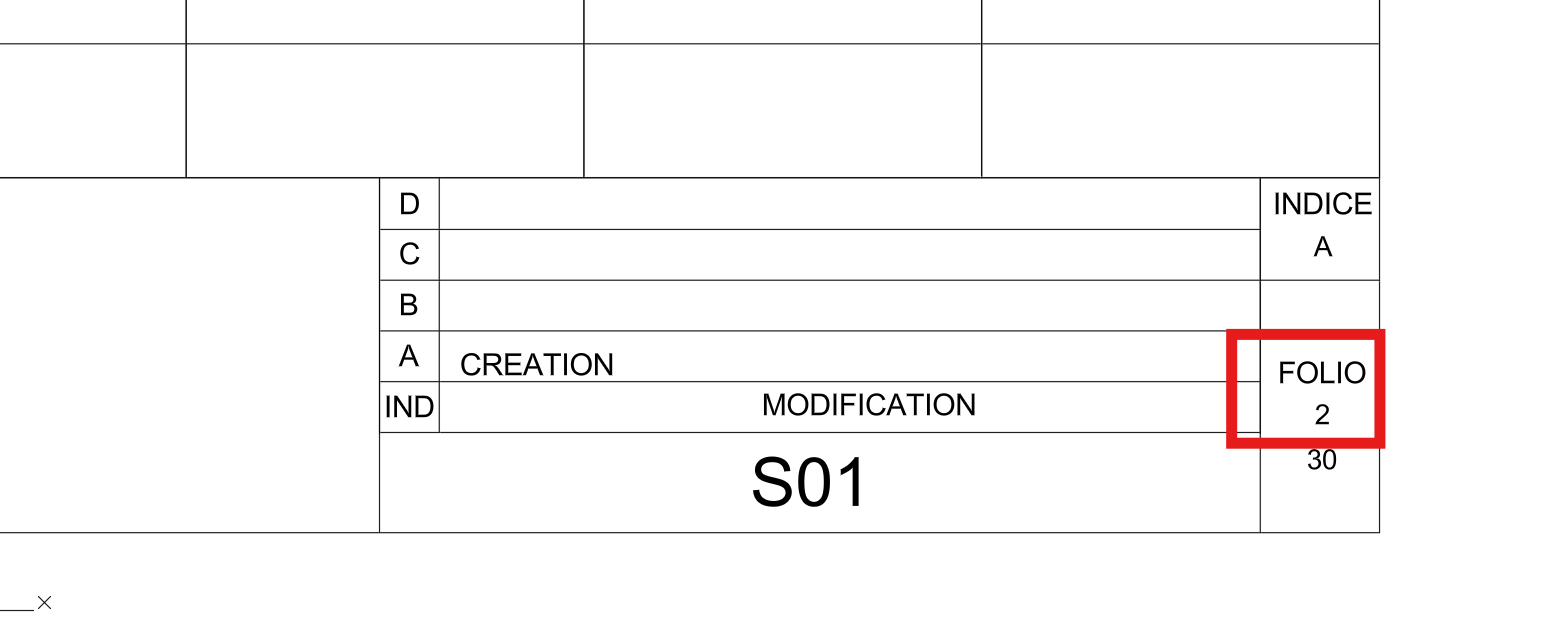
It reads the A…L revision history, retrieves the last active index, and writes it into the INDICE field of all sheets.
Revision index aligned across all sheets. Tag sheets
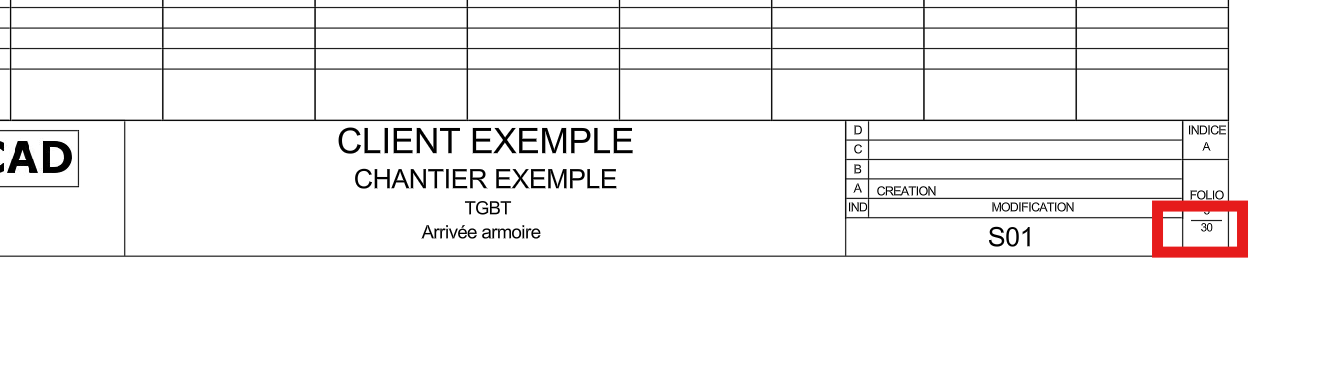
Assigns a sequential sheet number (1, 2, 3, …) to each title block based on the order.
Consistent, clean sheet numbering. Tag summary
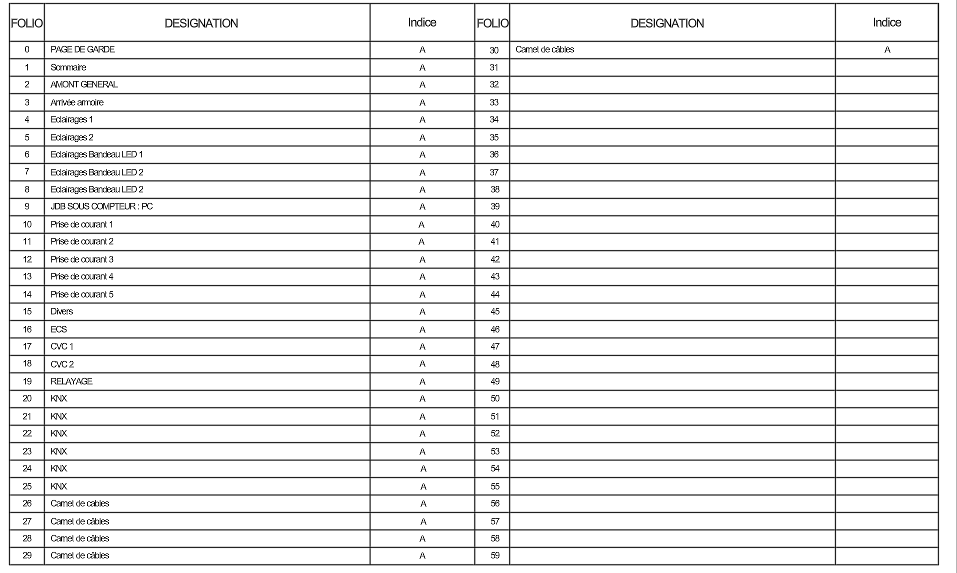
Finds the dedicated summary block (from the template) and fills it automatically.
Project summary updated automatically. Tag number of sheets
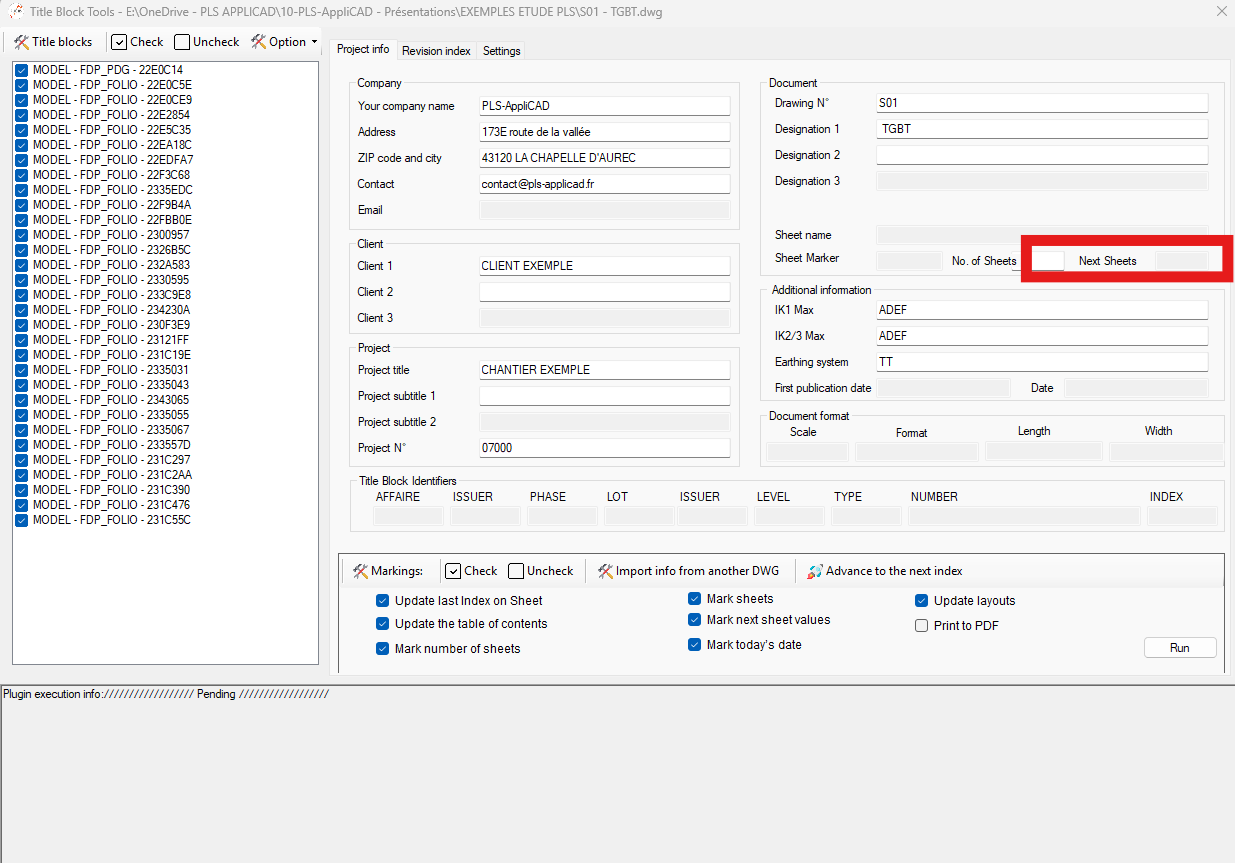
Counts the sheets in Model Space and writes the total into the “Sheet Count” field.
Accurate total sheet count written automatically. Tag next sheet value
For each sheet, identifies the following sheet and fills the “Next Sheet” field.
Logical navigation between sheets. Today’s date
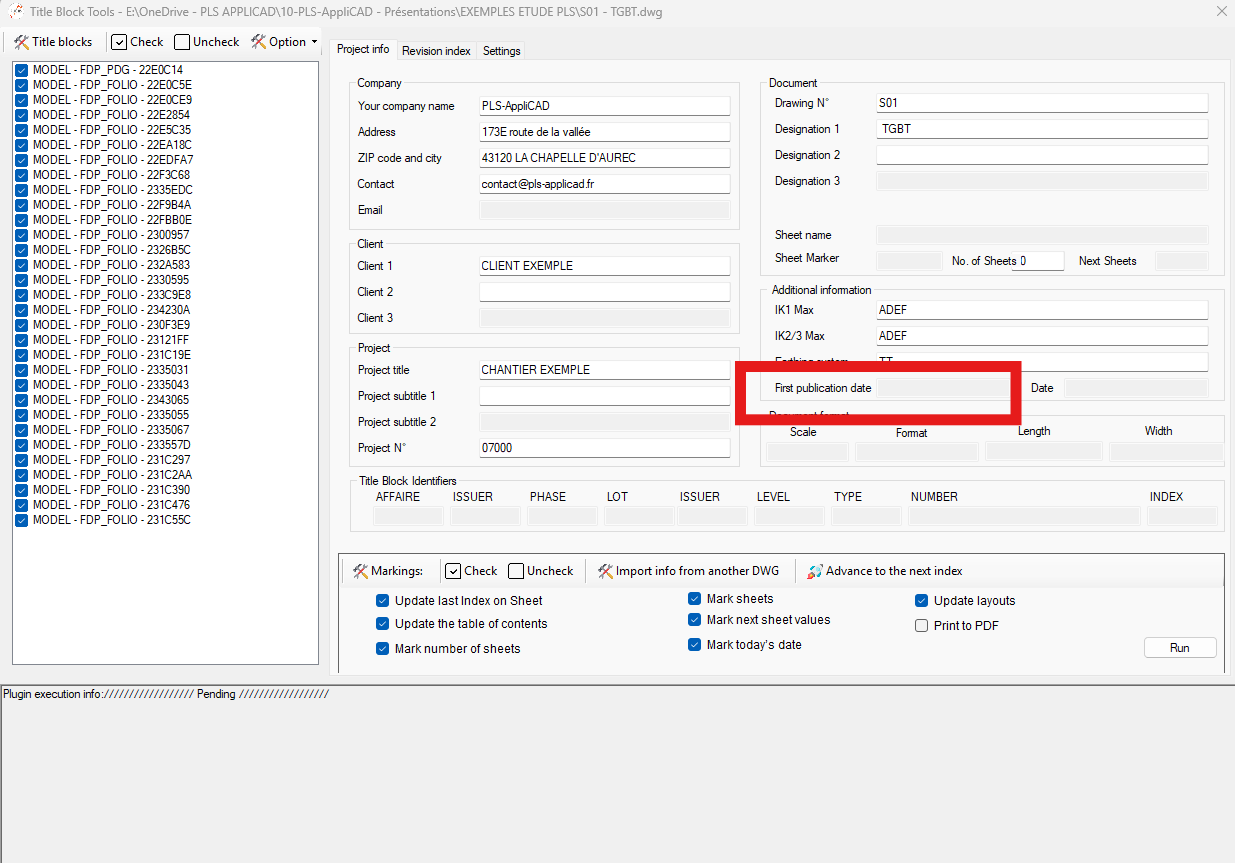
Writes today’s date (e.g., 01/01/25) on all sheets.
Uniform date applied to all sheets. Update layouts
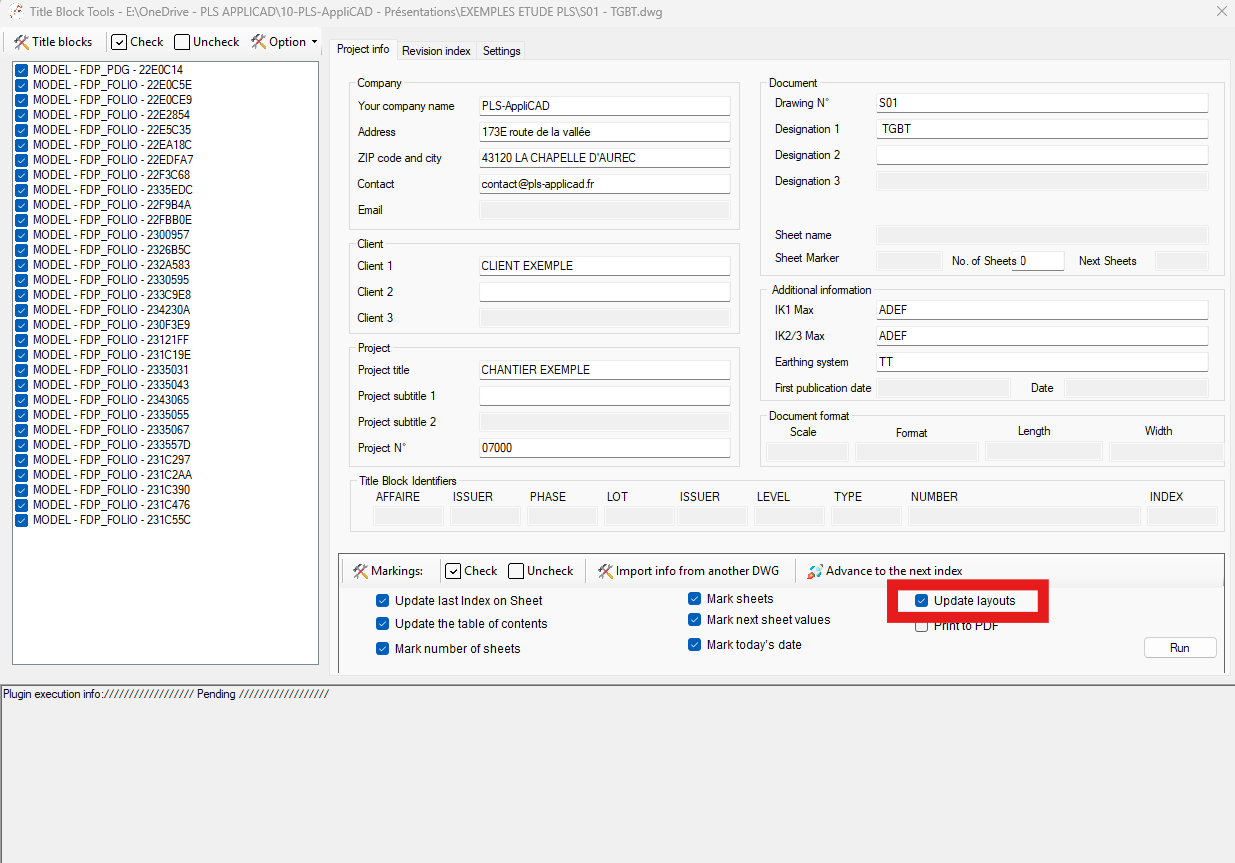
Re-creates layouts automatically from Model Space blocks:
– imports the predefined layout (portrait/landscape),
– zooms and frames according to the percentage set in “Settings”,
– proceeds to the next sheet.Clean, standardized layouts regenerated automatically. Save and continue
Once all updates are applied, the DWG is saved and the software moves to the next one automatically.
Each DWG is updated and saved before continuing.