Purpose:
Create a PDF of the DWG file
This module generates one single PDF that contains all layouts of the DWG
(all Paper Space tabs, in the right order).
Instead of printing each layout one by one, the plugin prints them to PDF
and merges all pages into one document. The file is automatically named
like your DWG, and the drawing itself is not changed.
Opening the DWG
First, the software opens the DWG file that you want to export.
No manual preparation is required before starting the process.
The active DWG is handled by the tool. Retrieving layouts
Next, the plugin reads the list of all layouts (Paper Space) in the DWG.
It follows the exact order defined in AutoCAD so that the sequence of pages
is clear for the reader.This layout order is then reused when building the final PDF.
As a result, the printed document matches the structure of your drawing.Each layout is prepared for PDF printing. Generate PDF pages and merge them into a single file
Then, the software creates a separate PDF page for every layout.
After all layouts are printed, the plugin merges these pages into one multi-page PDF.The page order follows the AutoCAD layout order, so navigation in the PDF
stays simple and logical.
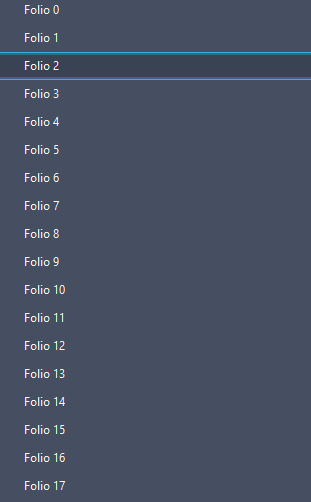

The AutoCAD layout order is preserved in the final PDF.
You get a single multi-page document that is clean, easy to read and ready to share.
PDF name and location
The final PDF is saved in the same folder as the DWG.
Its name is automatically based on the DWG file name, so you can recognize it instantly.project_plan.dwg → project_plan.pdf.No need to choose a name: it is generated for you.
DWG unchanged and summary
Finally, the DWG remains unchanged by the operation.
Only the PDF is created and saved.At the end, a message confirms that the merged PDF has been created
and indicates where it has been saved.Your DWG remains intact. The PDF is ready to be sent.